


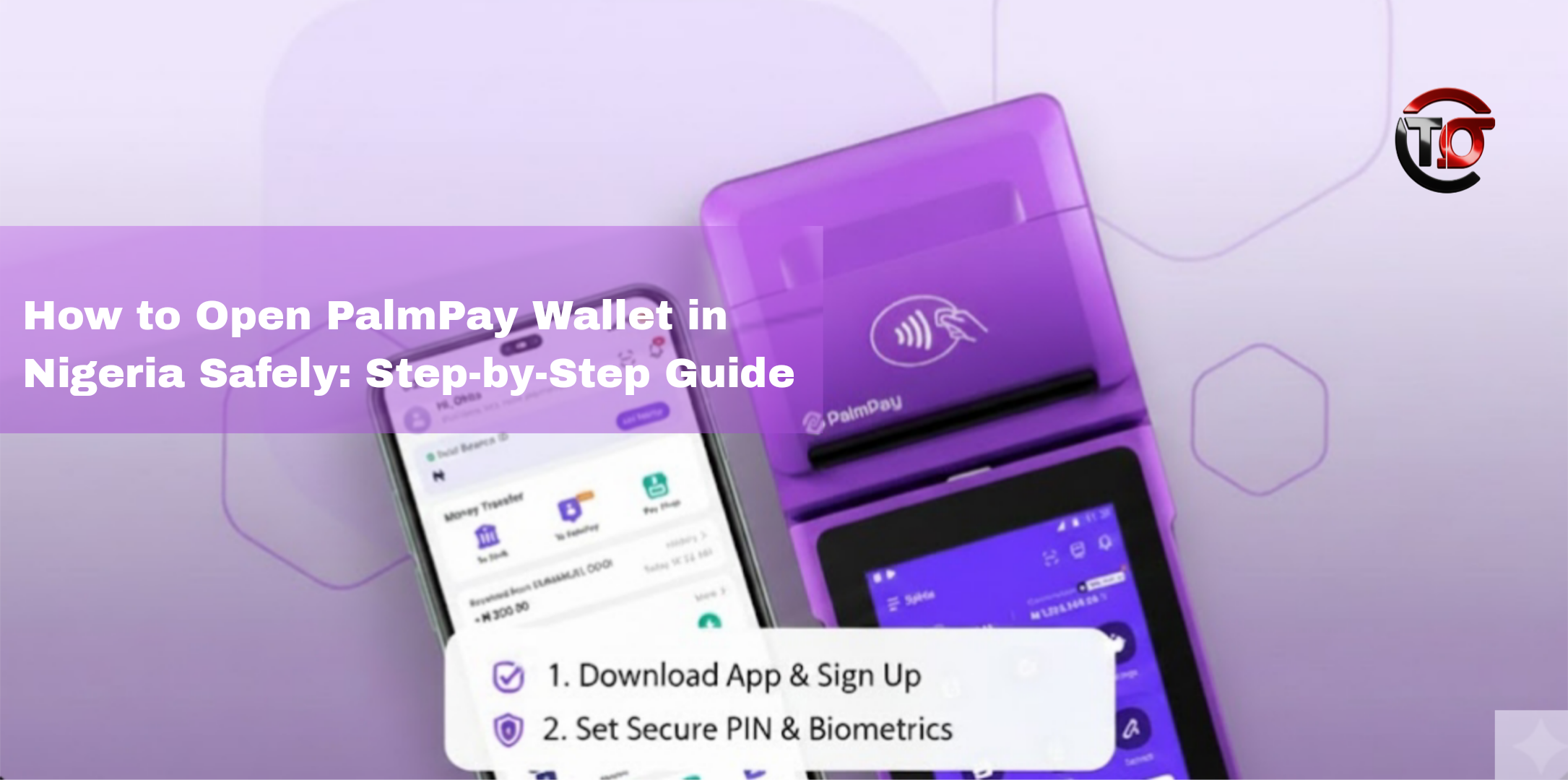
Securely Register Your PalmPay Wallet and Start Transacting in Nigeria Today
Digital wallets have revolutionized the way Nigerians handle money. Among the leading mobile financial platforms is PalmPay, which allows users to send and receive money, pay bills, top up airtime, and access other financial services securely from their smartphones. This guide will show you how to open a PalmPay wallet safely and use it without risk.
1. What Is PalmPay?
PalmPay is a mobile wallet app that provides a variety of financial services, including:
- Instant money transfers
- Bill payments for utilities and services
- Airtime and data purchases
- Merchant payments
- Micro-loans and investment options
With a PalmPay wallet, Nigerians can manage their finances conveniently without visiting a bank.
2. Benefits of Using PalmPay Wallet
Before creating your wallet, it’s important to know why PalmPay is useful:
- Fast and convenient transactions: Send money instantly to friends and family.
- Low transaction fees: Competitive charges for transfers and payments.
- User-friendly interface: Intuitive design makes it simple for beginners.
- Integrated financial services: Access savings, investments, and micro-loans.
- Secure platform: PIN codes, OTPs, and encrypted transactions ensure safety.
3. Requirements to Open PalmPay Wallet
To open a PalmPay wallet safely, you’ll need:
- A smartphone with internet access
- A valid Nigerian phone number
- Government-issued ID (National ID, Voter’s Card, Driver’s License)
- A bank account or debit card (for funding your wallet)
- A valid email address (optional but useful for notifications)
4. Step-by-Step Guide to Open PalmPay Wallet
Step 1: Download the PalmPay App
- Visit the Google Play Store or Apple App Store.
- Search for “PalmPay” and download the official app.
- Avoid third-party websites to prevent downloading fake apps.
Step 2: Install and Launch the App
- Open the app after installation and select “Sign Up”.
Step 3: Provide Your Phone Number
- Enter your Nigerian phone number.
- You will receive a One-Time Password (OTP) for verification.
- Input the OTP correctly to proceed.
Step 4: Set Up a Secure PIN
- Create a strong 4- or 6-digit PIN for transactions.
- Never share your PIN with anyone.
Step 5: Enter Personal Details
- Fill in your full name, date of birth, and email address.
- Upload a government-issued ID and a selfie for identity verification.
Step 6: Link Your Bank Account or Card
- Connect your bank account or debit card to fund your wallet.
- Make sure your account details match your PalmPay profile to avoid verification issues.
Step 7: Complete Verification
- PalmPay will review your documents. Once approved, your wallet will be fully active.
5. Tips to Use PalmPay Wallet Safely
- Enable OTP verification: Always confirm transactions using OTP.
- Do not share login credentials: Your account information is private.
- Update the app regularly: App updates patch security vulnerabilities.
- Avoid third-party links or apps: Only use the official PalmPay app.
- Monitor your account regularly: Check transactions for suspicious activity.
6. Common Uses of PalmPay Wallet
- Money transfers: Send and receive money instantly.
- Bill payments: Pay electricity, water, and internet bills.
- Airtime and data: Recharge mobile phones safely.
- Merchant payments: Pay merchants for goods and services.
- Savings and micro-loans: Access financial products conveniently.
7. Troubleshooting Tips
- OTP not received: Ensure your phone has network coverage and correct number.
- Verification delays: Upload clear ID images and ensure your phone number is accurate.
- Failed transactions: Confirm sufficient balance in your wallet and linked bank account.
For support, contact PalmPay’s official customer care within the app.
8. Why PalmPay Is Safe for Nigerians
PalmPay uses multiple layers of security including OTP verification, PIN protection, and encryption to safeguard user accounts. By following best practices like keeping your PIN private and using secure networks, you can use PalmPay with confidence.
9. Final Recommendations
- Use a secure internet connection when accessing your wallet.
- Keep PINs and passwords private.
- Only download the official app from Google Play or Apple App Store.
- Regularly monitor transactions for unusual activity.
By following these steps, you can safely open and use your PalmPay wallet in Nigeria.